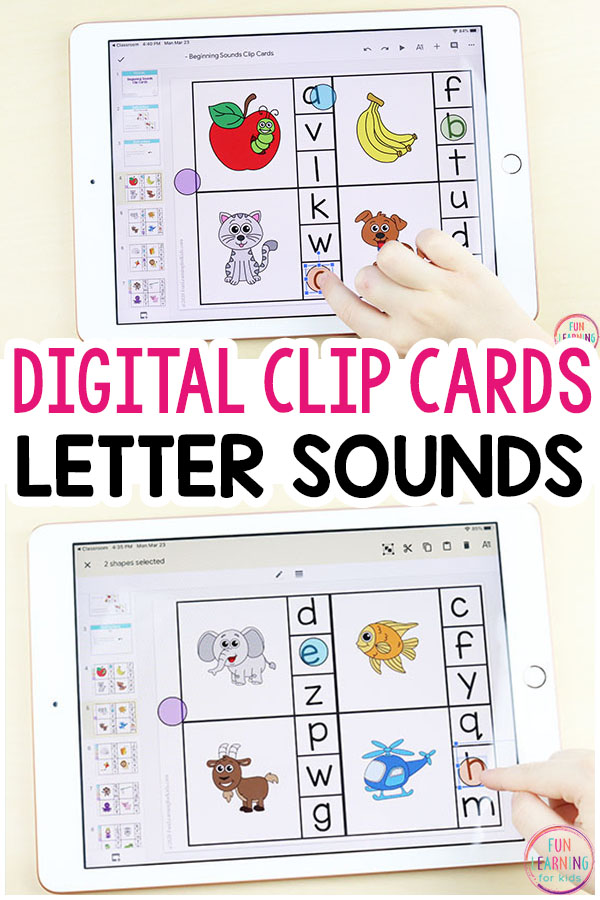

Digital Alphabet Clip Cards
Grab these free beginning sounds clip cards, add to Google Slides, and work on initial sounds identification with this fun, interactive alphabet activity.
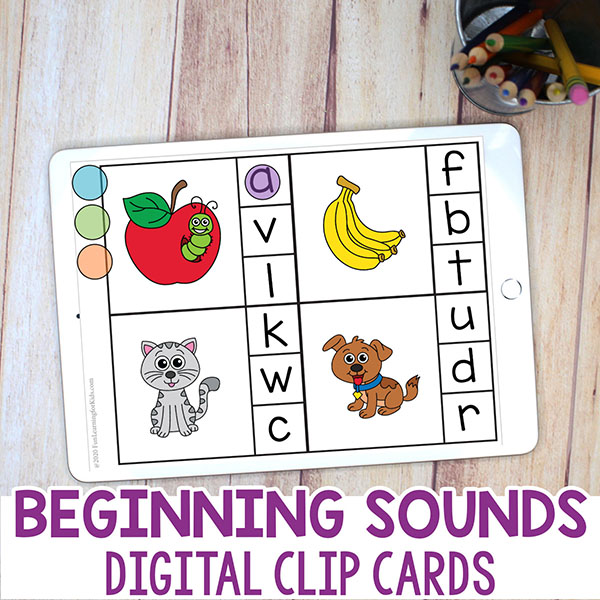
Digital Alphabet Clip Cards
Students will use Google Slides™ through Google Classroom™ to learn letter sounds with this interactive digital activity.
Although students aren’t actually clipping the cards, we use moveable counting chips as a means for students to mark the letters on each card.
This makes the activity fun and engaging for students!
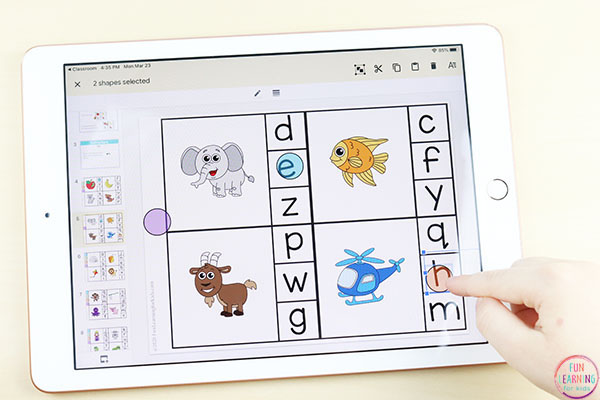
Using this Digital Alphabet Activity
Children will look at the picture on the card and determine which letter that word begins with. This requires them identify which sound it begins with and which letter makes that sound.
For example, the child will look at a card and see a monkey on it. They will say they word out loud and pay careful attention to the sound that is at the beginning of the word. They will notice that the first sound in the word monkey is “mmmm.” Then they will decide that the letter m makes that sound.
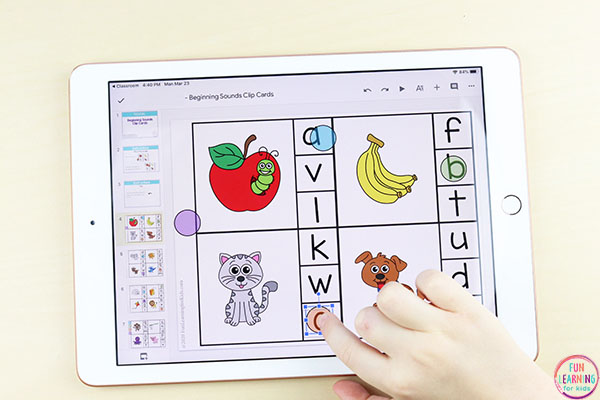
They will then drag a colored circle chip to the letter m that is shown on the right side of the card.
This continues through each card, on each slide.
The download includes a guide with instructions on how to use the file with you students.
Get the FREE digital clip cards below!
Check out these other Google Classroom activities!
Editable Snap Cube Math Mats for Google Classroom
Editable Base Ten Math Mats for Google Classroom
Interactive CVC Word Building Activity for Google Classroom
Spring Editable Sight Word Building Mats for Google Classroom