

Rhyming Words Activity for Google Slides
Make literacy exciting for your students with this rhyming words activity. It can be used with Google Slides for an interactive experience.

Rhyming Words Activity
Help your students work on their rhyming skills in an engaging, digital way with this rhyming words activity.
Students will use a picture of words such as “cat,” “truck,” and “cake,” to determine words that rhyme with them.
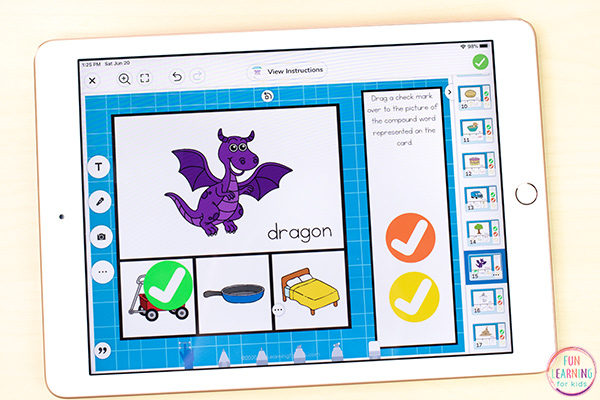
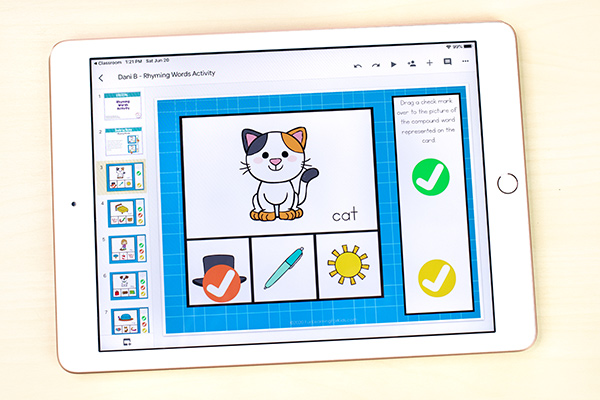
The digital slides have a picture of the word along with the word in text. Underneath the picture and word are three pictures of words.
Students will use the slides in an interactive way by dragging a checkmark from the side over the picture that rhymes with the word and illustration on the slide. This allows them to practice their rhyming skills along with sounding out words.
Setting Up the Rhyming Words Activity in Google Slides
Students may use Google Slides™ to do this activity.
The download file includes a detailed guide with instructions and pictures on how to use this activity with you students, but it is quite simple to do.
If you are a instructor or teacher, you will want to copy the Google slides assignment to your Google Drive and save it as a master copy.
Make sure that you click the dropdown next to the attachment. Pick the “Make a copy for each student” option.
Working on Rhyming
Students will look at the picture and word on the slide. Then, they will look at the three pictures below to determine the rhyming word.
Upon determining the rhyming word, they will drag a checkmark from the side over the rhyming word. They will read the rhyming words aloud to practice and check their work.
The first nine slides use basic CVC words while the last six slides incorporate words with long vowels, vowel teams, blends, etc.
You could differentiate this rhyming words activity for your students by assigning different slides for different students. You may assign some students to work only on the first 9 slides while others complete the entire set. You can also delete slides or reorder slides to make it easier or more challenging.
Not only will your students be working on their rhyming skills and phonemic awareness, but they will also be practicing decoding skills as they read the word that goes along with the main picture. They will become more familiar with these words and blending sounds together.
I hope your students have a ton of fun while they practice rhyming!
For more fun literacy activities, click here!
Get the FREE rhyming words activity for Google Slides below.
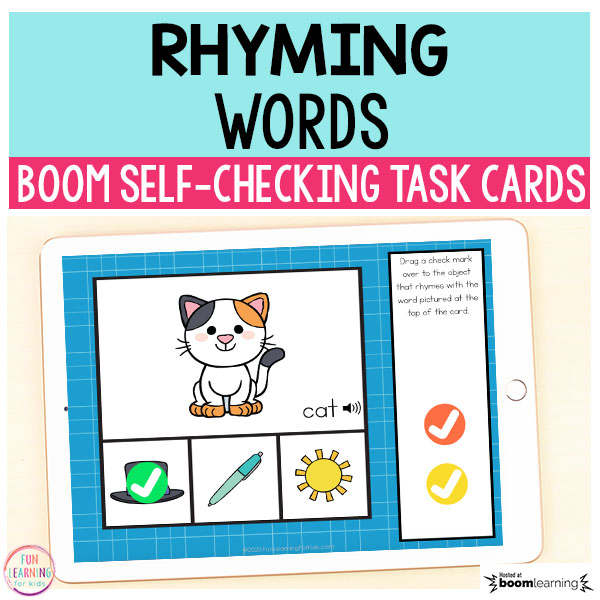
Do you love Boom Cards? Click this link to get the free Rhyming Word Work Boom Card deck! It’s self-checking and has audio of every word!
Here are some more literacy activities for Google Slides!
Beginning Digraphs Word Building
CVCe “A” Word Building
CVCe “I” Word Building
CVCe “O” Word Building
CVCe “U” Word Building
Interactive CVC Word Building Activity for Google Classroom
Spring Editable Sight Word Building Mats for Google Classroom